Template library
3D device mockup templates
Choose the device family that matches the source screen: phone for mobile UI, laptop for wide websites and dashboards, tablet for touch workflows, or smartwatch for compact wearable screens. Each template opens the browser editor with a matching device, use case, and canvas ratio.
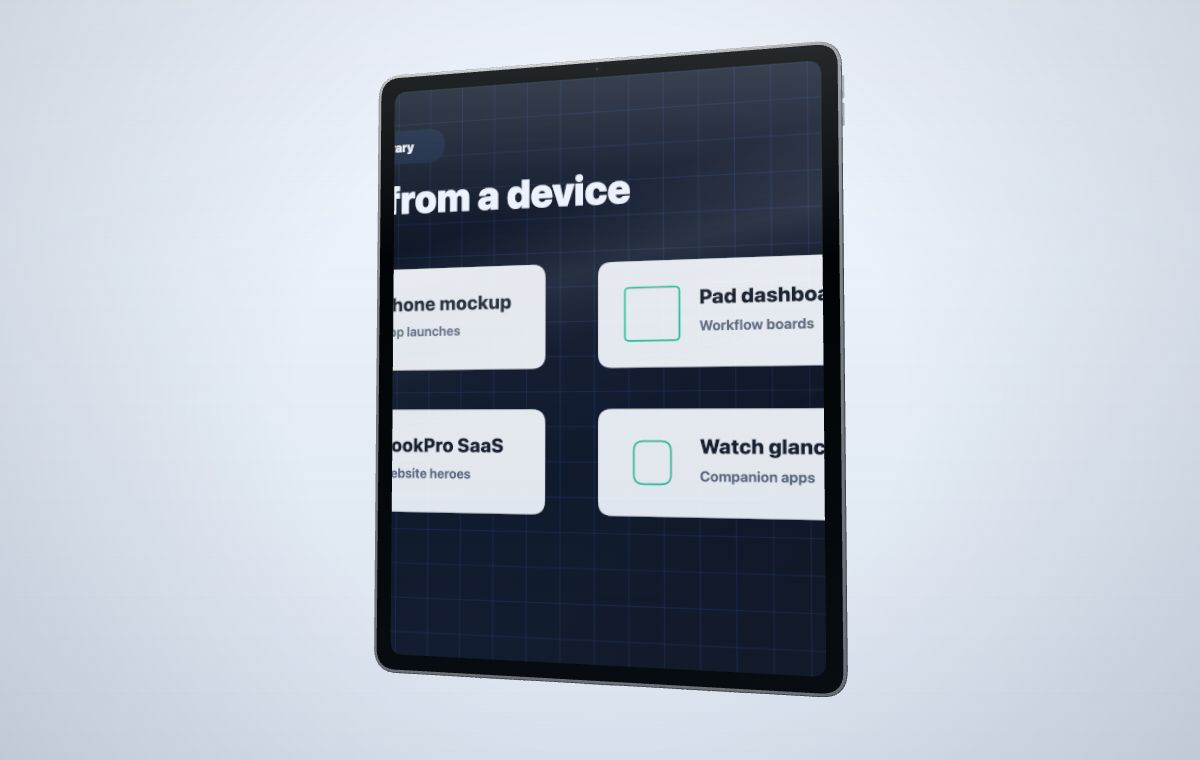 Choose the device family first, then open the editor with the right model and campaign framing.
Create your mockup
Choose the device family first, then open the editor with the right model and campaign framing.
Create your mockup
Popular template starters
These pages are organized by device family. Use them when you already know whether the campaign needs a phone, tablet, laptop, or smartwatch frame.
Phone App Mockup
Use tall mobile scenes for app launch pages, social posts, and product previews.
9:16Laptop Website Mockup
Show SaaS dashboards, websites, and product tours in a clean laptop composition.
16:9Tablet Dashboard Mockup
Frame analytics screens, creative apps, and touch workflows with a wide canvas.
4:3Smartwatch App Mockup
Create compact wearable previews for health, finance, utility, and companion apps.
9:16Template pages and use-case pages work together
Templates answer which device frame to use. Use-case pages answer why and where the final output will be published. Together they create a cleaner path from search intent to the editor.
Learn the workflow before choosing a template
Use a guide when the question is about source preparation, device selection, or canvas shape rather than a specific device generator.
Browse all 3D device mockup guides