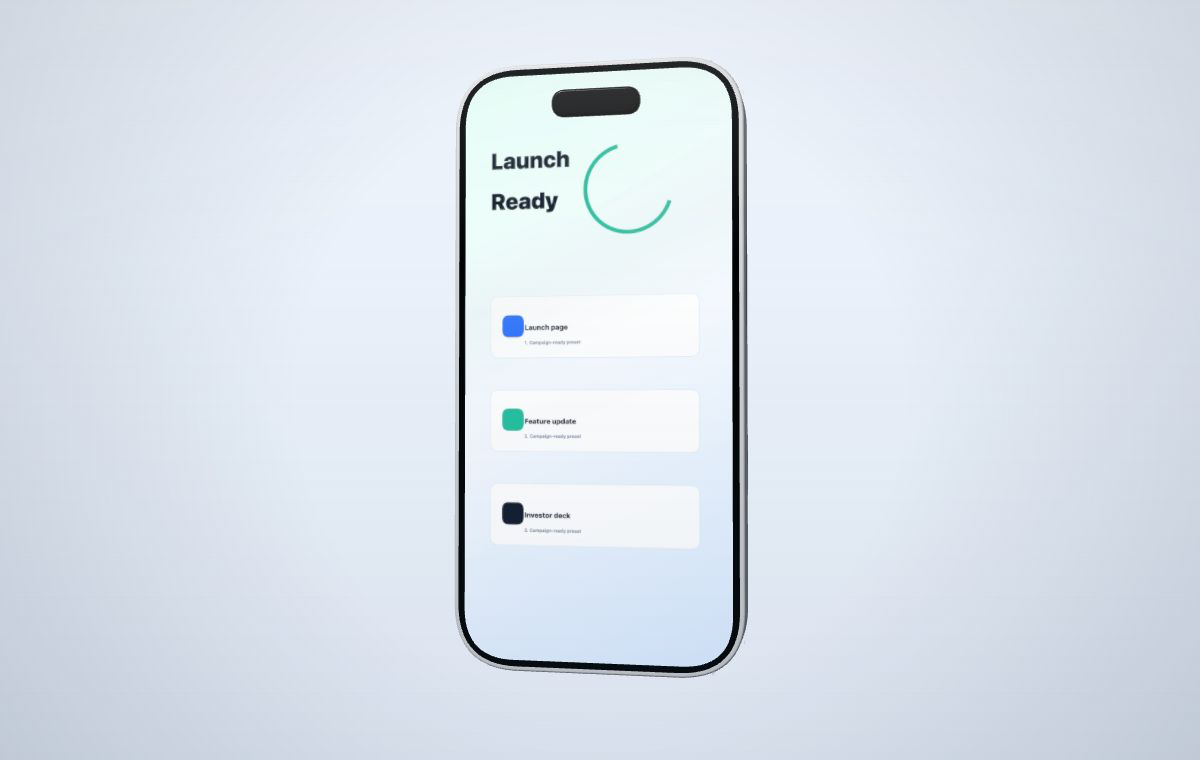
1. Prepare the screenshot before adding a device
Export the product screen at a size where text, charts, and interface controls are already readable. Remove browser chrome or desktop clutter unless it is part of the story. A 3D frame can improve presentation, but it cannot recover detail that is missing from the source image.
2. Match the device to the source
| Source | Best starting point | Reason |
|---|---|---|
| Mobile app screen | Phone mockup | Keeps a tall interface recognizable and supports vertical launch layouts. |
| SaaS dashboard or website | Laptop mockup | Gives wide navigation, tables, and charts enough screen area. |
| Dashboard, canvas, or touch workflow | Tablet mockup | Balances a wide screen with a lighter device silhouette. |
3. Fit the screenshot without hiding the important UI
Start with a fit that shows the complete source. If empty bands appear because the screenshot and device screen have different proportions, decide whether the campaign can accept a small crop. Check the header, primary action, and any chart labels after every fit change.
4. Set camera and canvas as separate choices
The camera controls the angle of the 3D device. The canvas ratio controls the shape of the final marketing asset. A phone can sit inside a 16:9 website hero, and a laptop can sit inside a 9:16 vertical composition; the device does not have to match the canvas.
Use a modest perspective when screen readability matters. Stronger angles work better when the device silhouette is the subject and the interface is supporting evidence.
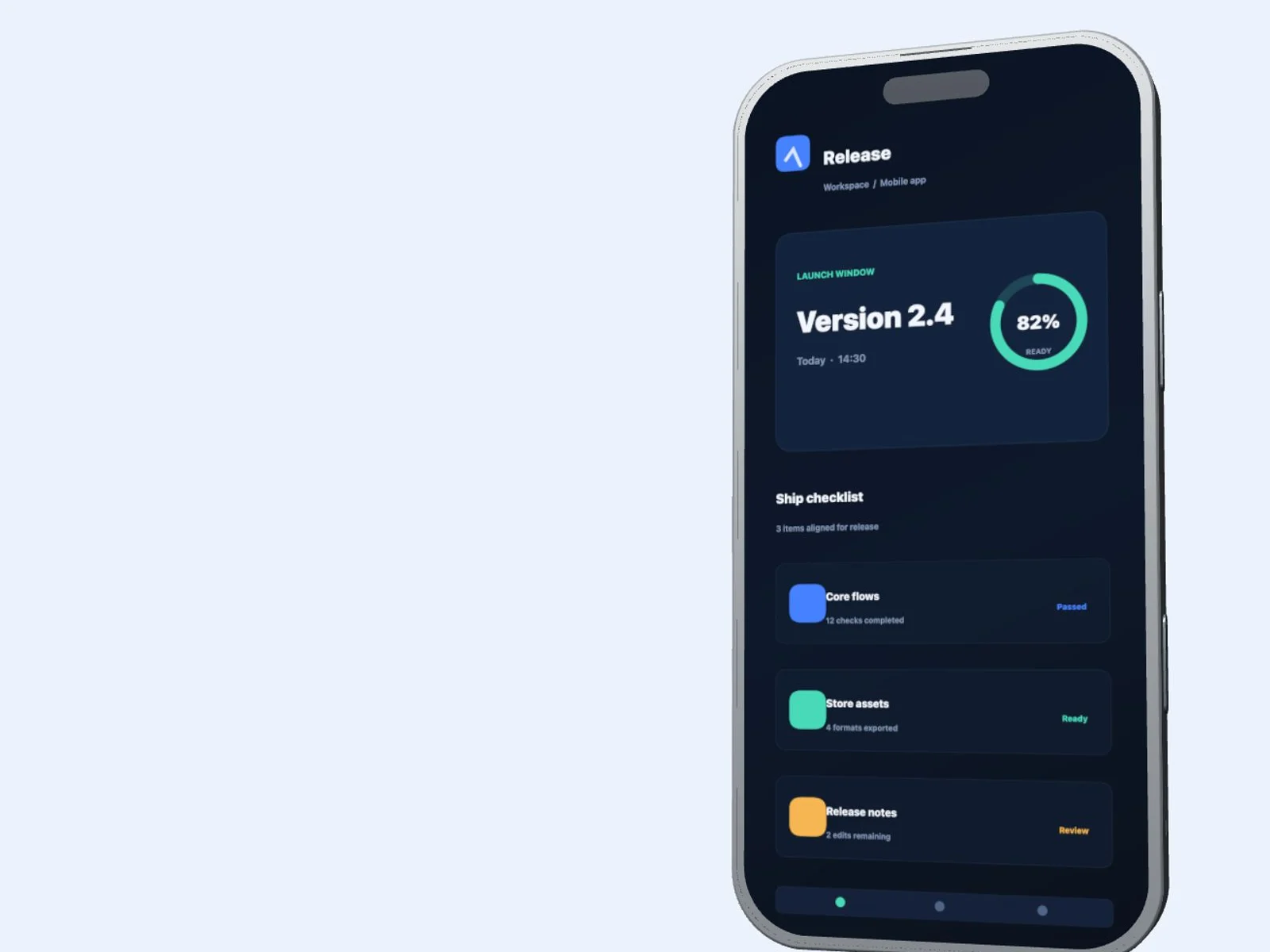
The useful test is not whether the device looks dimensional at full resolution. It is whether the source UI remains understandable in the launch page, deck, or social layout where it will appear.
Common problems
- If text is unreadable, reduce the camera angle or make the device larger in the canvas.
- If the screen is cropped, change media fit before changing the device model.
- If the output feels empty, adjust the canvas composition rather than stretching the screenshot.
- If the device dominates the message, return to a more frontal angle.