Practical guides
Make better 3D device mockups
Start with the decision you need to make: how to frame a screenshot, how to prepare a short product recording, which device fits the message, or which canvas ratio fits the destination.
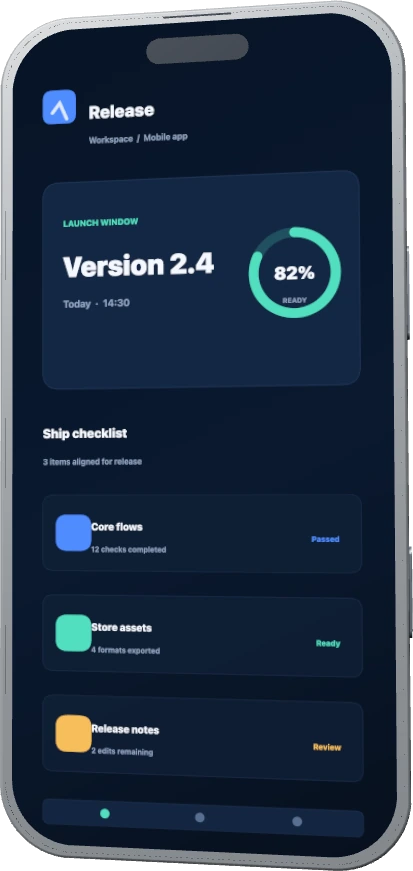 The guides explain the decisions around the output, then link to a matching editor preset.
Choose the question you need to answer
Each guide has a separate search job. Generator pages remain the destination for choosing a device; these guides explain a workflow or decision.
How to make a 3D device mockup from a screenshot
Choose a device, fit the source screen, set the camera and canvas, then capture the result.
Recording workflowHow to turn a screen recording into a 3D product demo
Trim the useful source segment, choose motion, and capture a short device-framed demo.
Device decisionPhone vs laptop vs tablet mockups
Match the device to the screen shape, reading distance, and marketing destination.
Canvas decision3D device mockup sizes for marketing layouts
Use 16:9, 4:3, and vertical canvases without confusing device shape with output shape.
Need the device rather than the explanation?
Use the template library when you already know that you need a phone, laptop, tablet, or smartwatch frame. The guides are for the decisions that come before or after that choice.