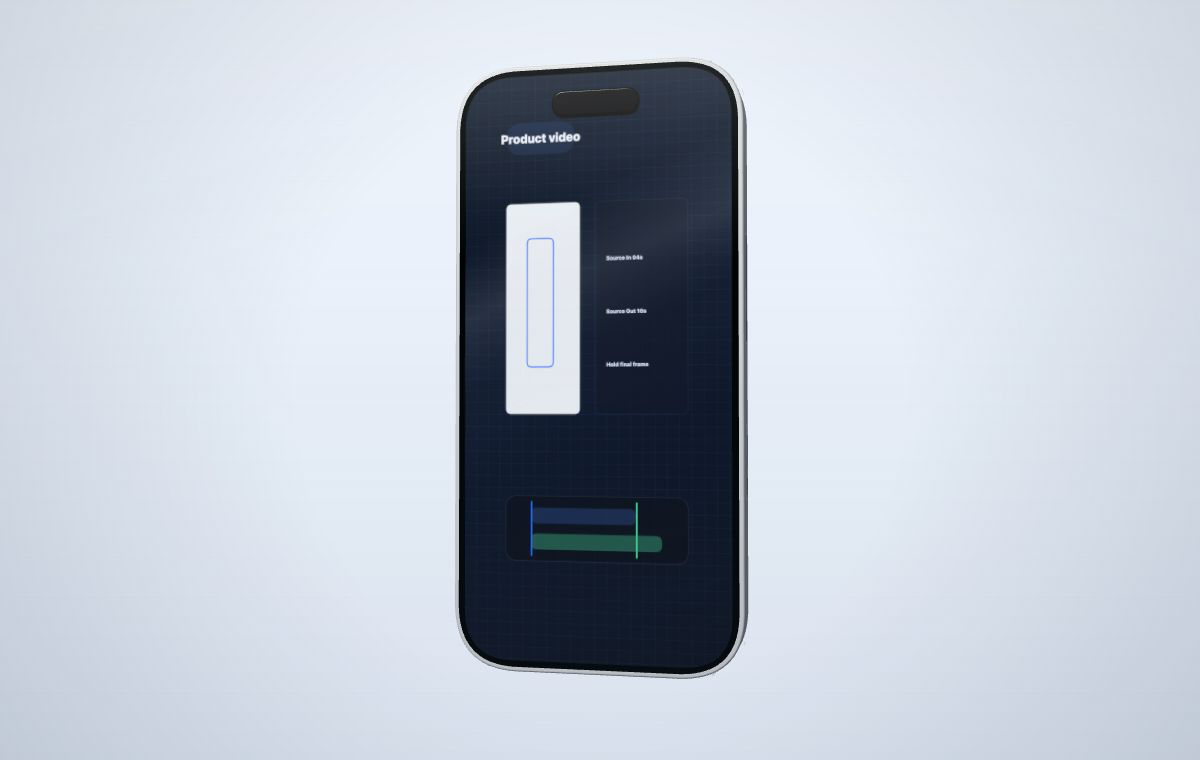
1. Record one complete product action
Use a stable browser zoom and keep the pointer movement deliberate. A useful source clip shows one task from start to finish: opening a dashboard panel, switching a view, or completing a short mobile flow. Long recordings make it harder to identify the moment the final mockup should communicate.
2. Trim with source timing
Source In chooses where playback begins inside the uploaded MP4. Source Out chooses the last useful frame. If the capture begins before the selected segment, the screen can hold the opening frame. If the capture continues after the selected segment ends, the screen can hold the final frame rather than forcing the source to loop.
3. Choose a device that preserves readability
4. Use motion to support the product moment
A still or gentle float keeps interface text easier to follow. A turntable or sweep can introduce the device before the important interaction begins, but large movement during a dense dashboard sequence can compete with the screen recording.
- Use still or subtle motion for UI-heavy explanations.
- Use a short entrance movement for launch announcements.
- Check the final frame because it may remain visible after the source segment ends.
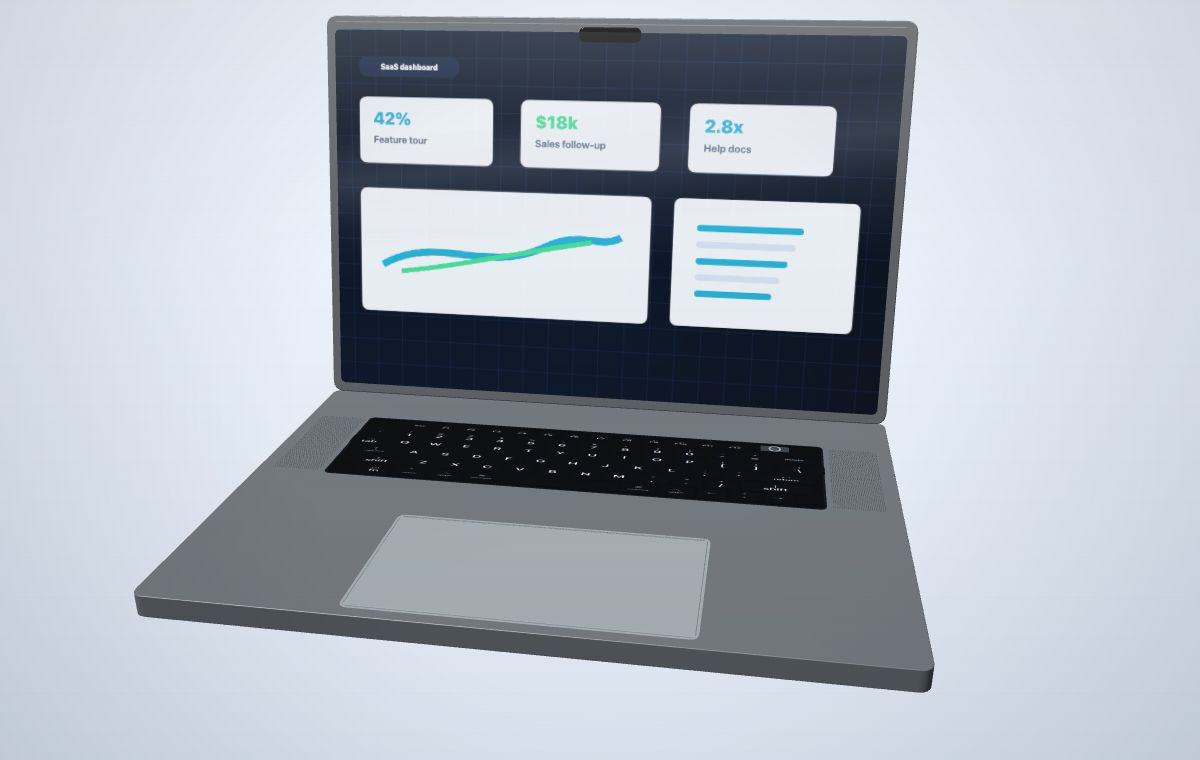
The device provides depth and context. The recording still needs to be legible at the final size used in a launch page, help article, sales follow-up, or social composition.
When to use a full video editor instead
Use a dedicated timeline editor when the project needs narration, many cuts, captions timed across multiple scenes, audio mixing, or a long tutorial. Use MockupPro 3D when the main job is to place a short product recording on a controlled 3D device and capture the result.