Upload your screen
Add a dashboard, app screenshot, creative canvas, website capture, or MP4 recording.
Tablet mockup template
Create clean tablet mockups for dashboards, creative tools, product walkthroughs, portfolio shots, landing pages, app updates, and sales materials.
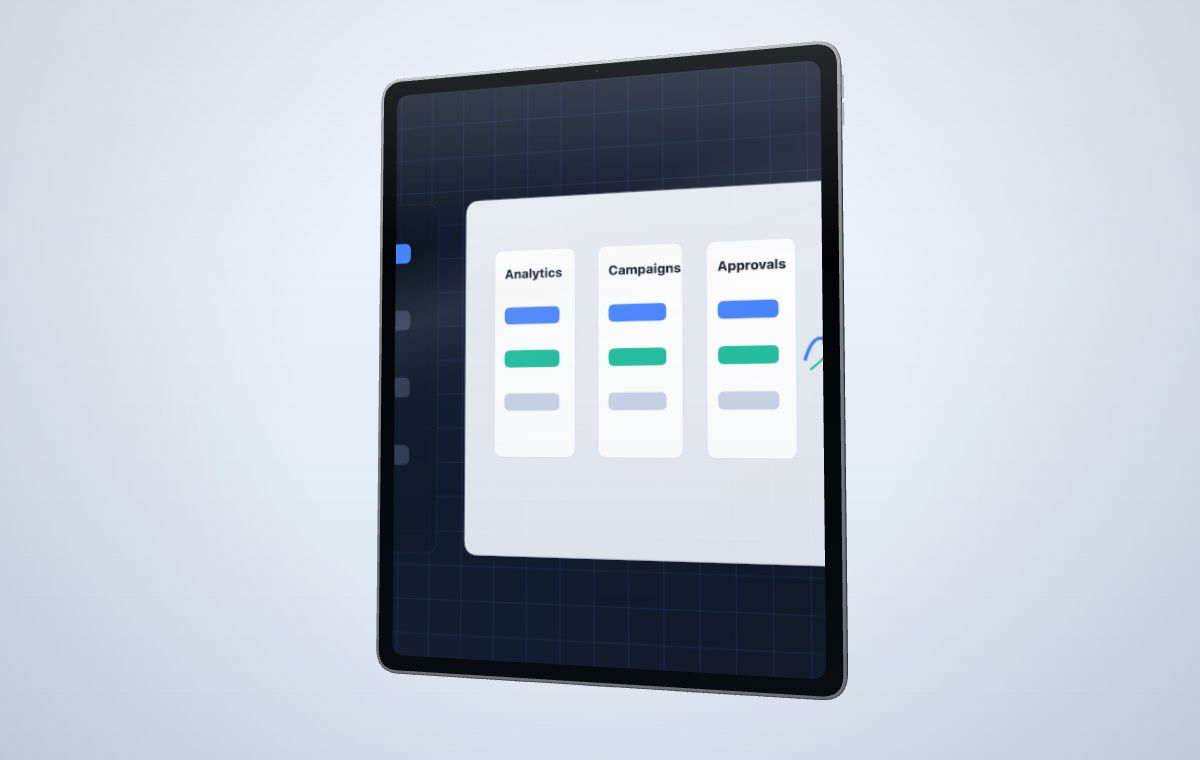 Use a tablet frame when dashboards, maps, creative canvases, or workflow boards need room.
Create your mockup
Use a tablet frame when dashboards, maps, creative canvases, or workflow boards need room.
Create your mockup
Tablet mockups give more room than phone frames while still feeling product-focused and tactile.
Use tablet-specific composition controls to keep wide screens readable while preserving a polished 3D frame.
Choose a starter that matches the asset you need, then adjust camera, canvas ratio, material color, and screen framing in the editor.
A wide frame for analytics products, AI dashboards, and operations tools.
Open templateA product shot for design, drawing, note, media, and canvas-based apps.
Open templateA balanced layout for feature pages, product tours, and investor updates.
Open templateAdd a dashboard, app screenshot, creative canvas, website capture, or MP4 recording.
Use fill, fit, stretch, or manual framing to keep the interface readable.
Adjust camera, material modules, lighting, canvas ratio, and output clarity.
Export a draft with watermark or use credits for a sharper watermark-free version.
Use a tablet mockup when the interface is wider, more detailed, or more touch-oriented than a phone screenshot but does not need a full laptop scene.
Yes. Upload an MP4, choose source timing, and capture a short tablet-framed product video.
Yes. The editor supports module-level material color controls so the shell can change without recoloring screen content or fixed details.