 Create your mockup
Online 3D Device Mockup Generator
Upload a screenshot or screen recording, frame it in a controlled 3D device scene, and create polished visuals for product launches, landing pages, social posts, and demos.
 Rawrelease.png
Real editor outputs
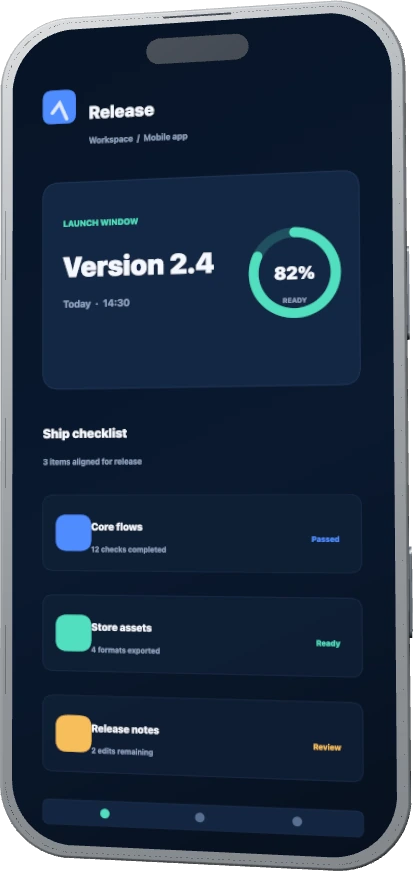
Four marketing jobs, each using its own source screen, device framing, and campaign ratio.
Create a 3D mockup in three steps
Add your media
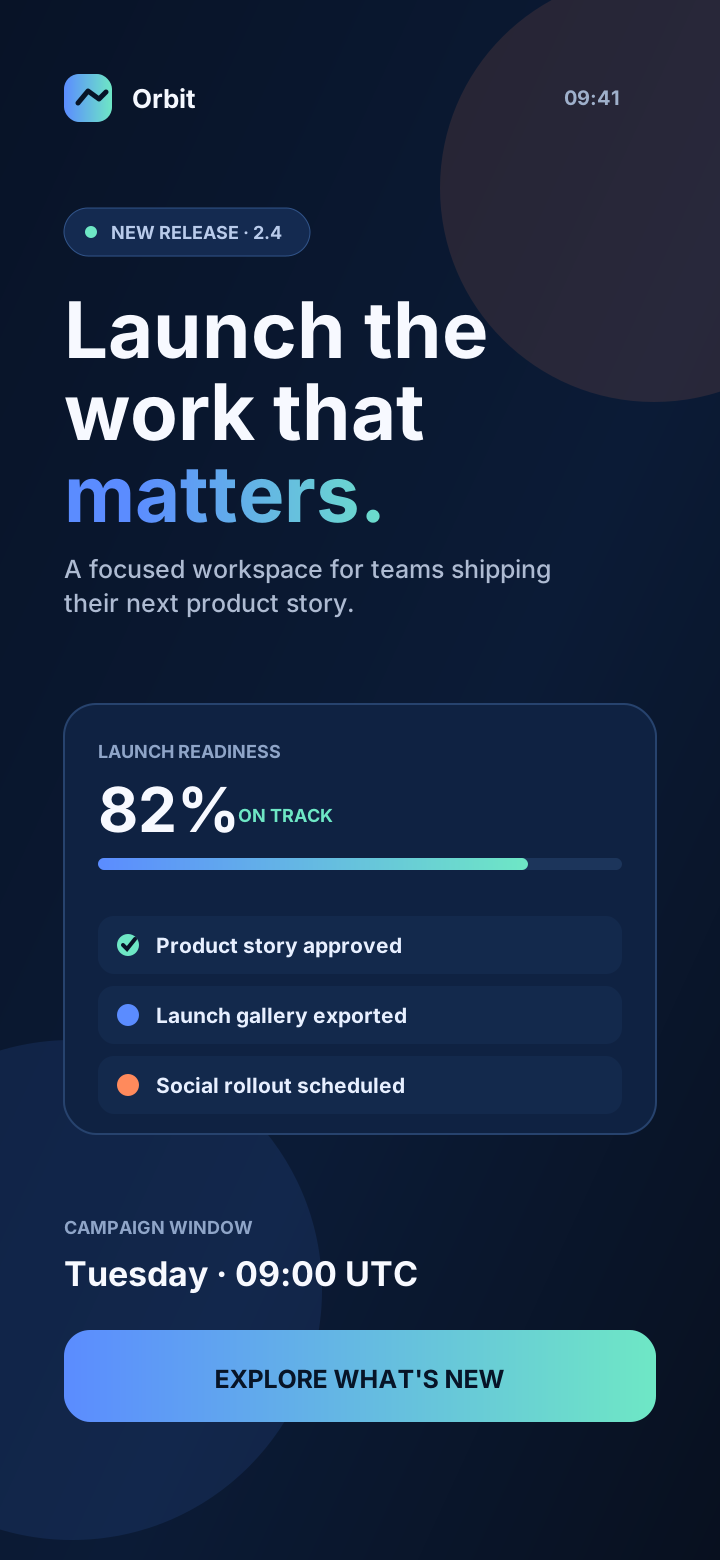
Upload a PNG, JPG, or WebP screenshot, dashboard capture, or product image — or an MP4 screen recording for video mockups.
Shape the scene
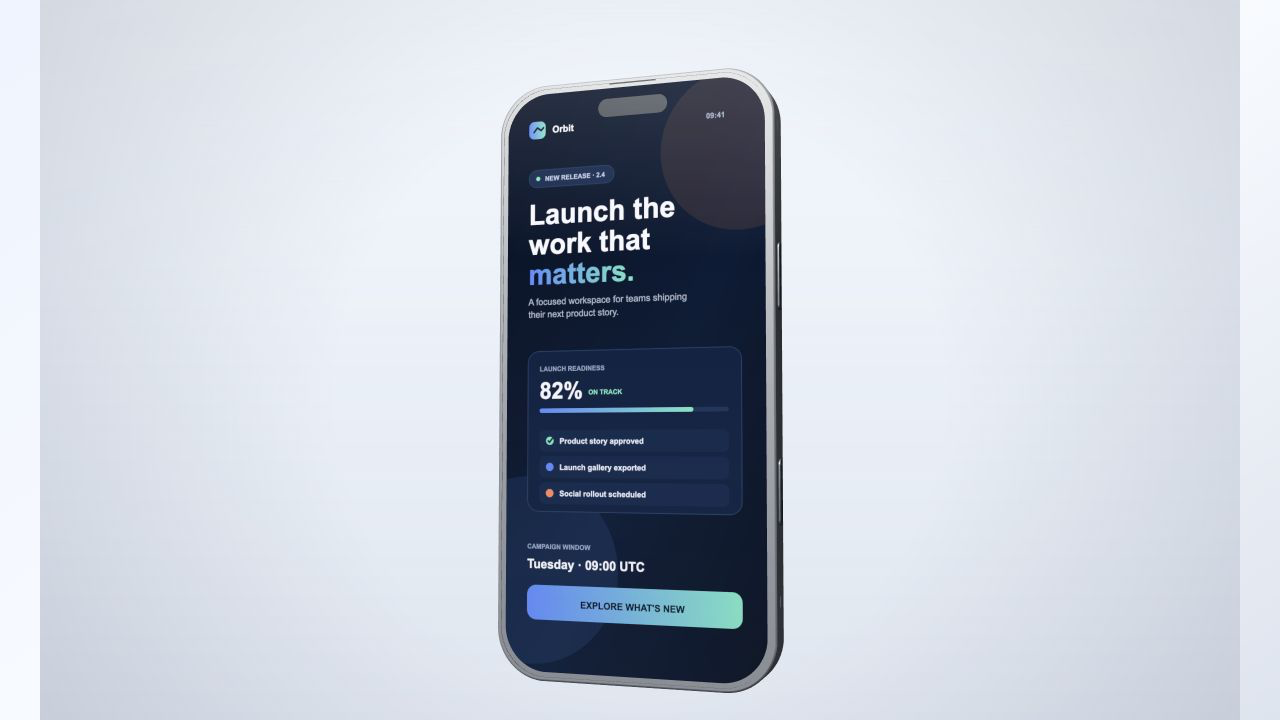
Choose a device, camera angle, material color, screen crop, and campaign ratio.
Export the asset
Create a watermarked draft, then export a polished PNG or a short product video.
Built for common product launch visuals
Pick the marketing task and continue into the editor with a matching device, ratio, and workflow.
Free drafts, Pro credits for final exports
Evaluate with watermarked drafts on Starter, then unlock sharper, watermark-free PNG and short-video output with Pro.
Frequently asked questions about MockupPro 3D
What can I turn into a 3D device visual?
Use an app screenshot, website screen, dashboard, product image, or MP4 screen recording to create launch images and short product videos.
Do I need Photoshop or 3D skills?
No. MockupPro 3D runs in the browser and gives you controls for device, camera, material color, ratio, screen framing, and capture.
Can I try it before paying?
Yes. You can create watermarked draft captures first. Pro credits unlock sharper, watermark-free output when the asset is ready to ship.
Are the device models officially affiliated with a manufacturer?
No. MockupPro 3D uses self-authored generic device assets and does not claim manufacturer affiliation or endorsement.