Product Hunt galleries
Create consistent launch images from screenshots, dashboards, feature highlights, and value props.
Use case
Launch pages, Product Hunt galleries, social announcements, changelog posts, and pitch decks all need product visuals that look more polished than a flat screenshot. MockupPro 3D turns app screens, dashboards, websites, and MP4 screen recordings into clean 3D device mockups directly in the browser.
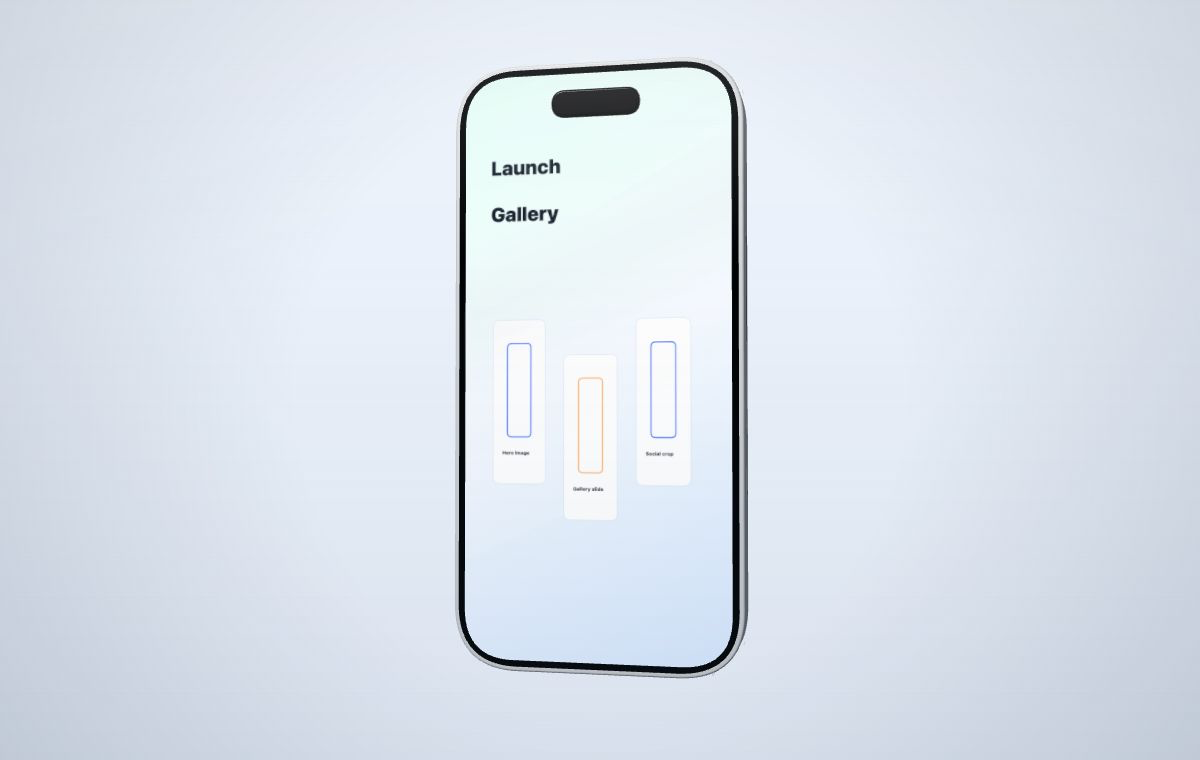 Use one controlled 3D setup across launch pages, galleries, decks, and social posts.
Create your mockup
Use one controlled 3D setup across launch pages, galleries, decks, and social posts.
Create your mockup
Use the same device style across multiple assets so the launch feels coherent instead of assembled from unrelated mockup packs.
Create consistent launch images from screenshots, dashboards, feature highlights, and value props.
Place a SaaS screen or mobile app flow into a device composition that can sit above the fold.
Map an MP4 recording onto the device screen and capture short campaign-ready clips.
The device should support the product story, not distract from it.
Use a screenshot, website capture, dashboard image, or MP4 screen recording.
Pick a generic phone, tablet, smartwatch, or laptop model for the launch channel.
Set camera angle, canvas ratio, media fit, motion preset, and material colors.
Use a watermarked draft capture for drafts or spend credits for watermark-free launch output.
You can create product launch mockups for landing pages, Product Hunt galleries, social posts, pitch decks, changelogs, and short product videos.
Yes. MockupPro 3D supports screenshots for PNG mockups and MP4 screen recordings for short product video mockups.
Draft exports include a watermark. Pro credits unlock sharper, watermark-free output for launch-ready assets.
Use the editor to turn your existing product screens into a consistent set of launch images and videos without opening a 3D tool.