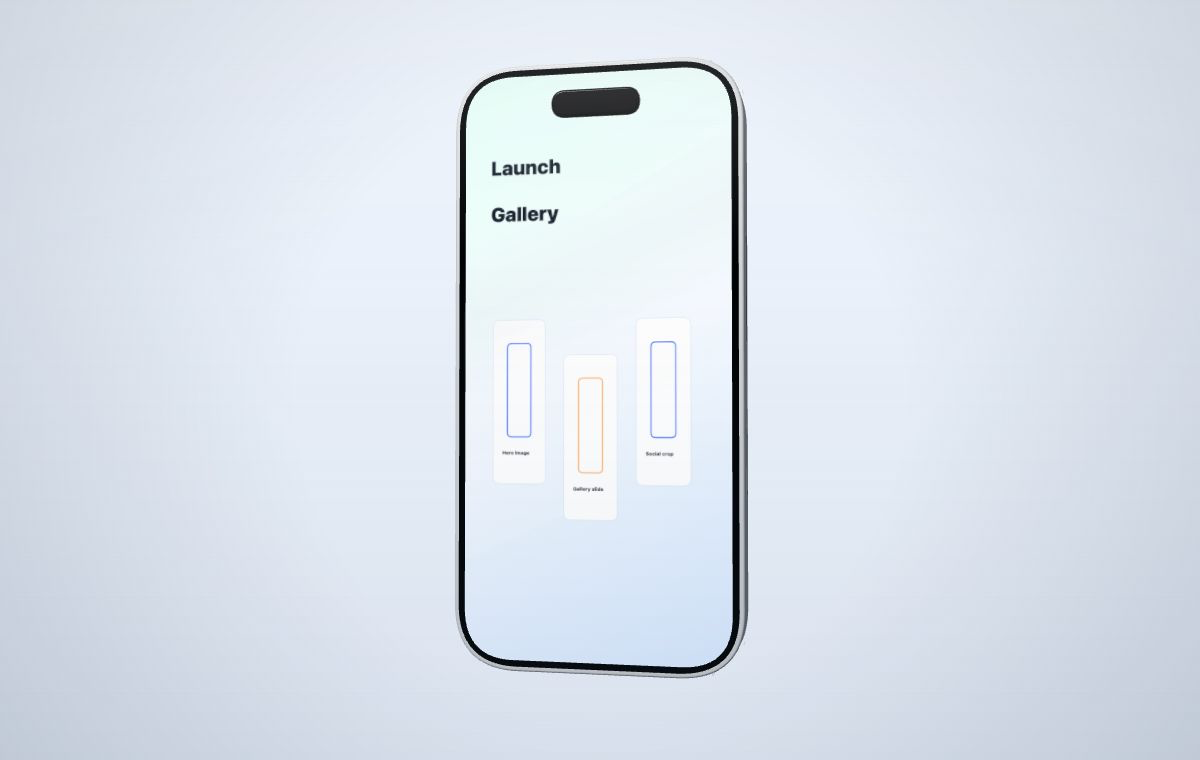
Choose the ratio from the destination
| Ratio | Useful starting point | Composition note |
|---|---|---|
| 16:9 | Website hero, landscape demo, presentation cover | Leaves room beside a phone or around a wide laptop. |
| 4:3 | Deck, documentation, editorial illustration | Balances screen size and surrounding copy or annotation. |
| 9:16 | Vertical product story or social layout | Works naturally with a phone; laptops need a tighter composition. |
| 9:18 | Taller mobile-first campaign layout | Adds vertical breathing room without changing the device screen. |
| 9:20 | Extra-tall device-led layout | Useful when the phone needs space above and below for short copy. |
Do not stretch the source to fill the canvas
The canvas is the final marketing frame. The uploaded screenshot or recording belongs on the device screen. If the canvas feels empty, move or scale the device, adjust the camera, or choose a different device; do not distort the source UI to fill the outer frame.
Compose a wide layout
In 16:9, a laptop can sit near the center with enough screen area to show a dashboard. A phone often works better off-center with copy, a second device, or controlled negative space on the opposite side. Keep the device large enough that the product screen still communicates something.
- Use a more frontal angle for dense dashboards.
- Leave safe space for the landing-page headline or CTA.
- Check whether the device still reads after the hero is cropped responsively.
Compose a vertical layout
Vertical canvases favor tall phone screens, but a tablet or laptop can still work when the device is rotated modestly and the screen remains large. Reserve space for short labels rather than long paragraphs. If the product screen becomes too small, create a separate vertical composition instead of resizing the wide export.
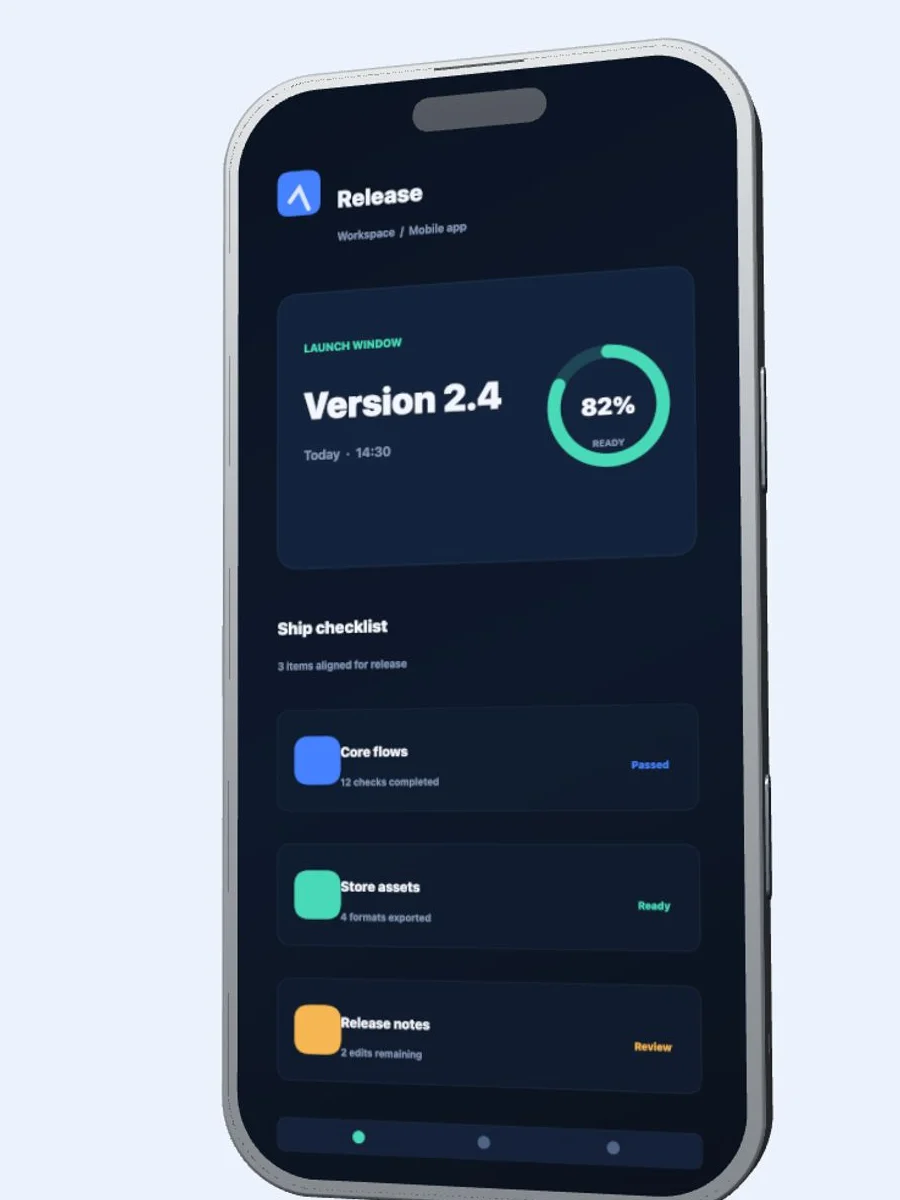
The phone remains the same device. The surrounding space, camera placement, and message hierarchy adapt to the destination.
Export size and canvas ratio are different
Ratio describes shape. Resolution describes the number of captured pixels. Choose the ratio while composing, then select an output size that matches the destination and account tier. Do not promise a particular platform fit without checking that platform's current requirements before publishing.